◌
Lost in translation
No more showing your menu through a translation app, one item at a time.
One table QR lets international guests order right away. You start with one photo of your menu.
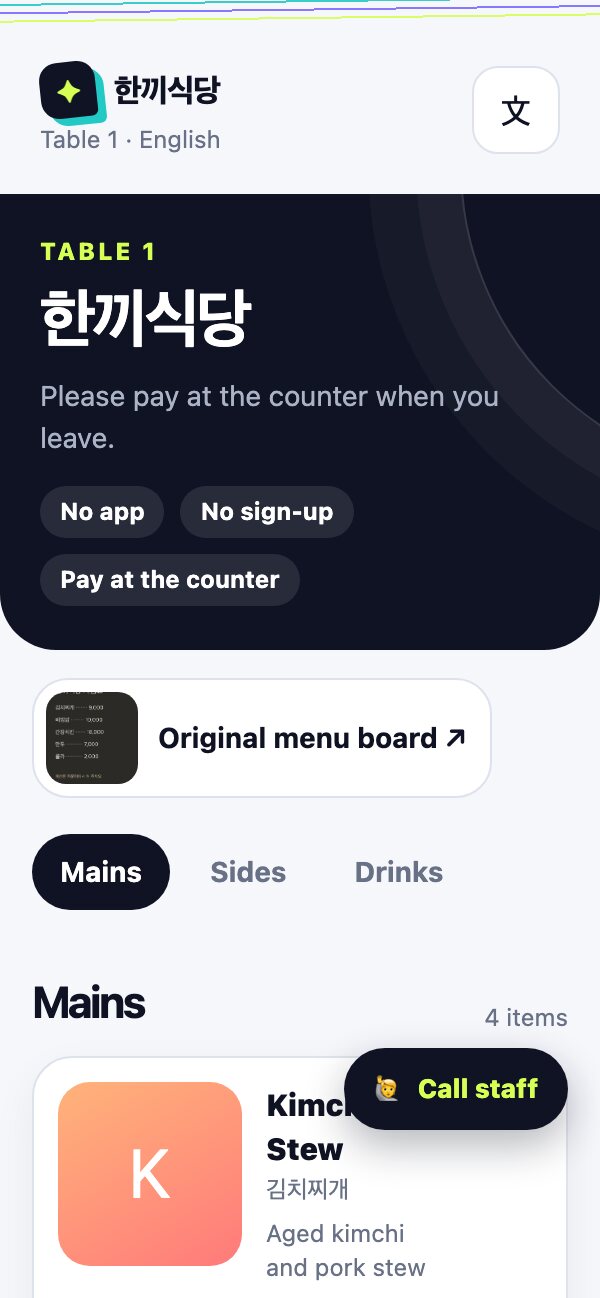
Lantern keeps only what you need during the busiest moments of service.
No more showing your menu through a translation app, one item at a time.
Guests view your menu and order directly in their own language.
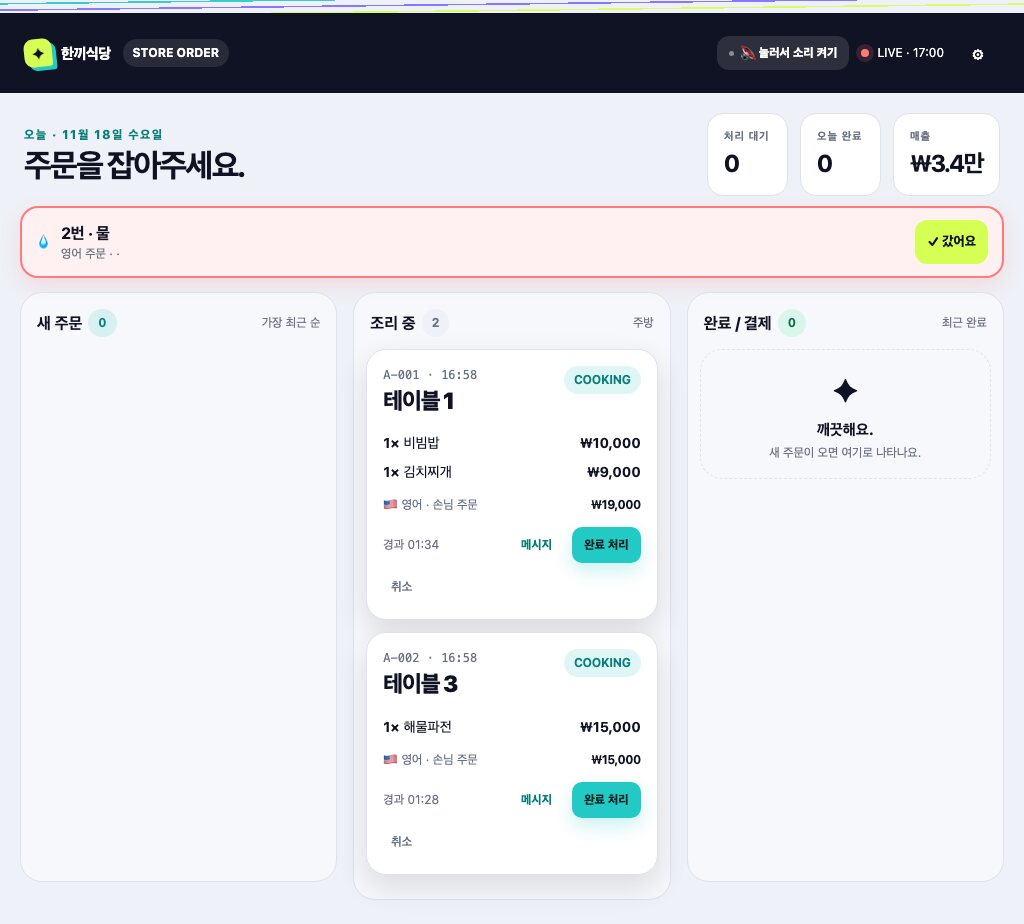
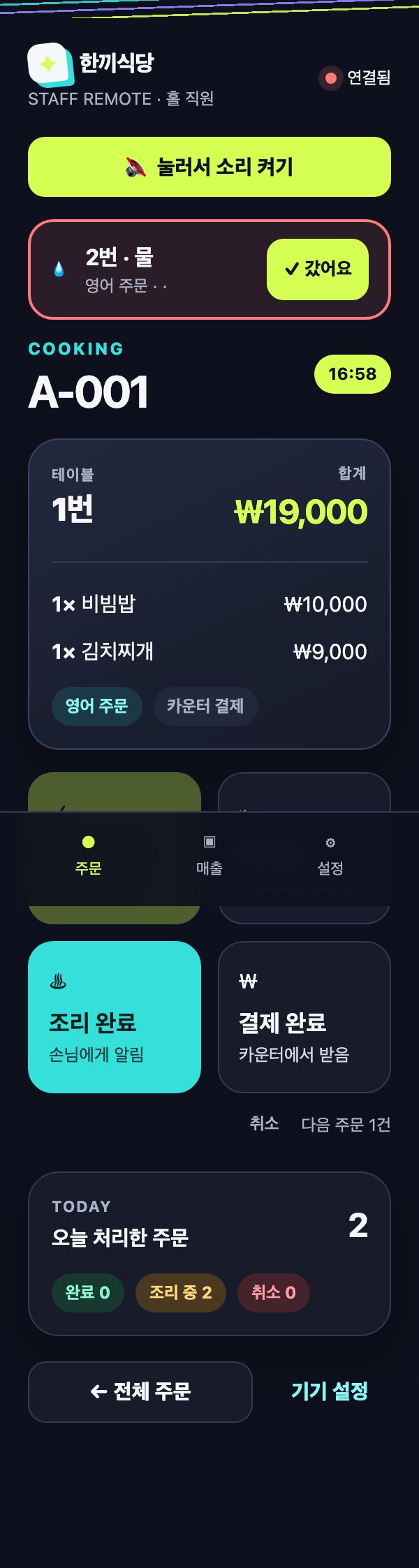
New orders and calls arrive on your store screen and staff phones.
No complicated setup. No new terminal required.
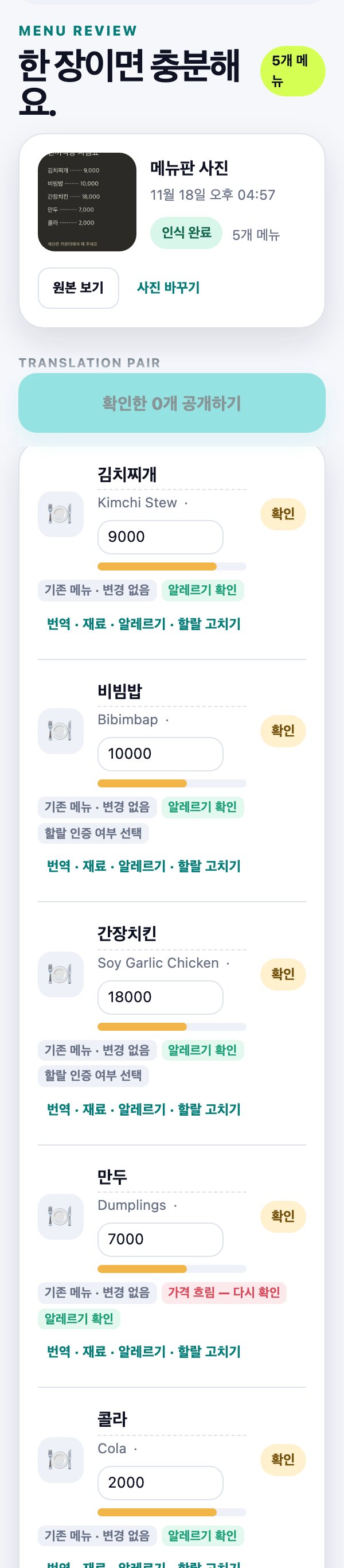
Upload a photo and we read the dishes and prices into a multilingual menu. You review before publishing.
Print as many QR codes as you have tables. Place them and you are ready.
Guests scan with their camera and order. Orders arrive on your screen and phones.
They choose a language, browse the menu, and call staff when they need help.
See allergens, spice level, and prep time before ordering.
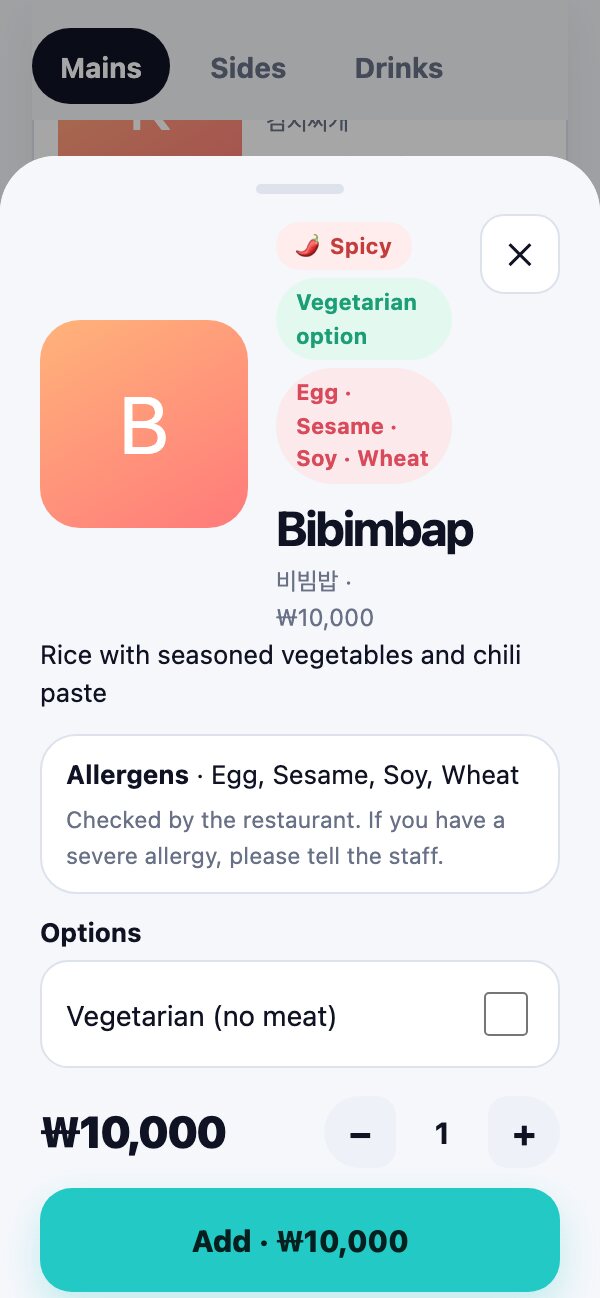
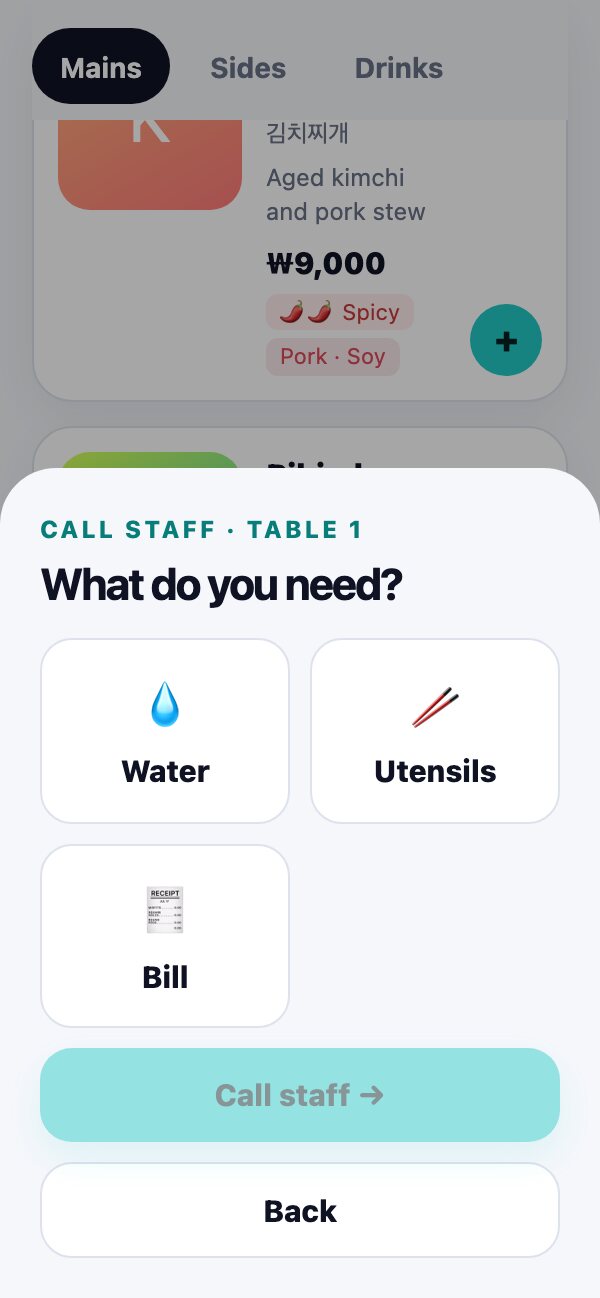
Guests choose what they need and a call goes to your staff screen.
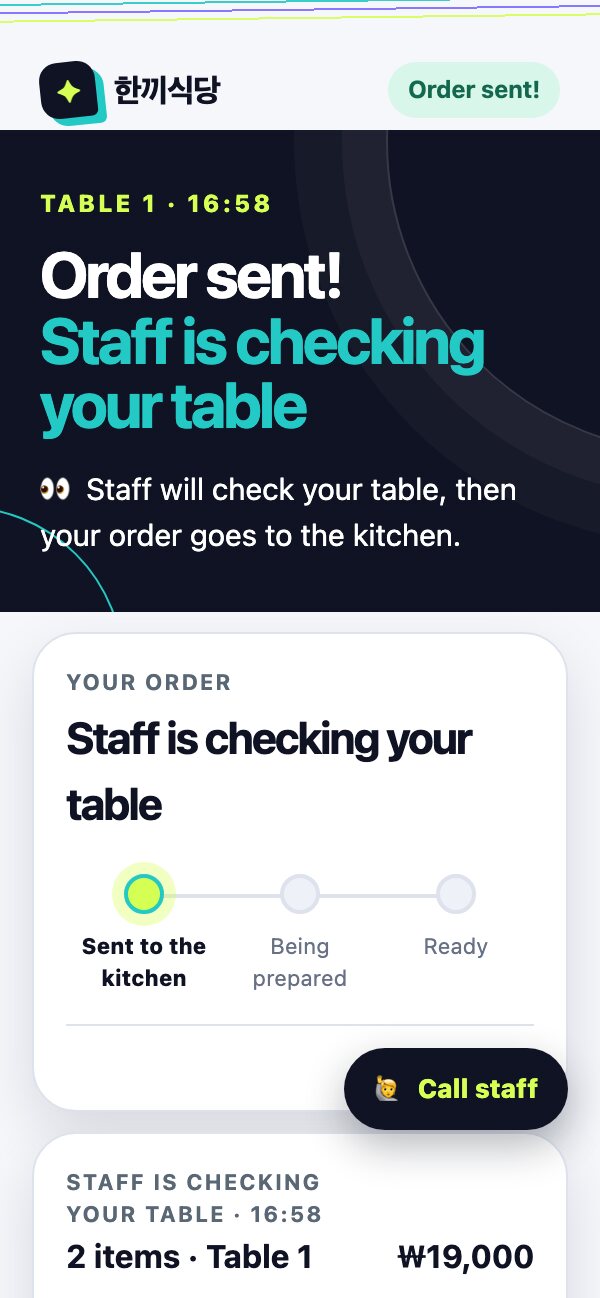
Guests can see whether an order is sent or being prepared. Payment stays at the counter, just like today.
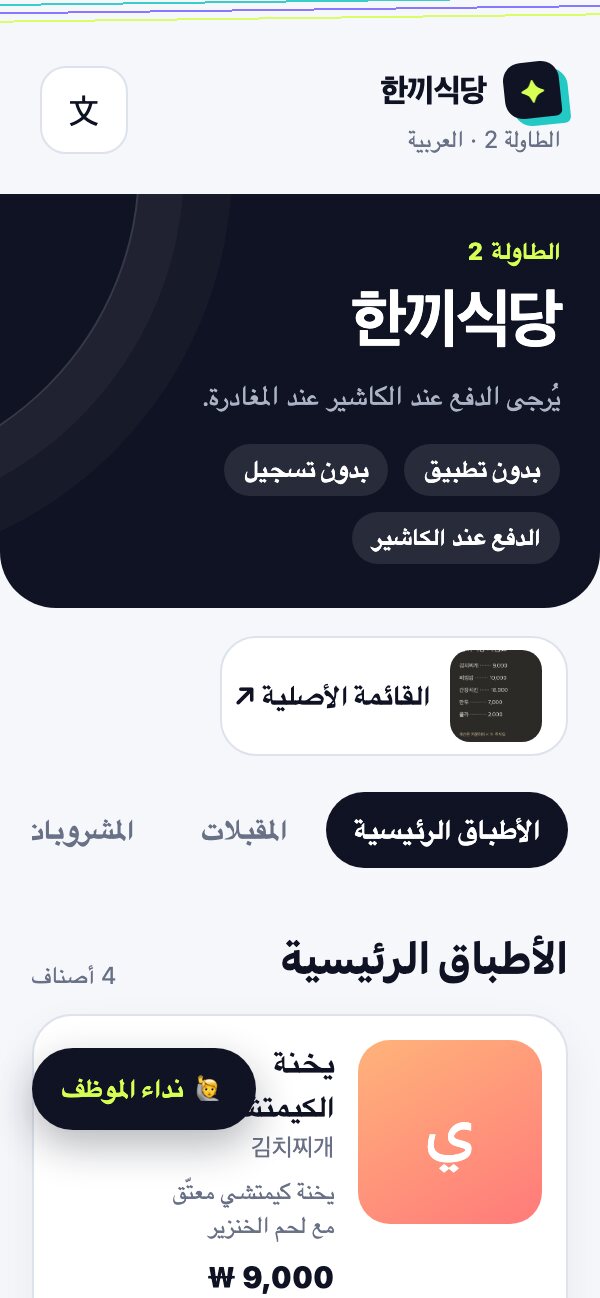
Open the store order screen on what you already use. No payment terminal or contract.
Track new, cooking, and complete orders in one screen. Table checks stay visible.
Staff can check tables, send messages, and mark orders complete from the remote.
Review the AI-read menu yourself before it goes live.
No payment fees, terminal, or contract to begin.
No. They scan the QR with their camera and the menu opens right away.
Just like today, at the counter. Lantern does not charge payment fees.
No. Open the store order screen in the browser on a phone or PC you already use.
You review and edit everything before publishing.
Location helps block distant orders, and the first order can require a staff table check before it reaches the kitchen.
QR ordering for international guests. Get ready for free.
Start free →